
January 2026
Overview
This release brings significant improvements across both frontend and backend systems, with enhanced analytics capabilities, improved chat interface, robust security updates, and infrastructure enhancements. Our focus has been on delivering a seamless user experience while strengthening performance and reliability.UI/Frontend Enhancements
- Chunked Message Loading & Pagination - Implemented optimized chat history retrieval with pagination for faster loading and better performance
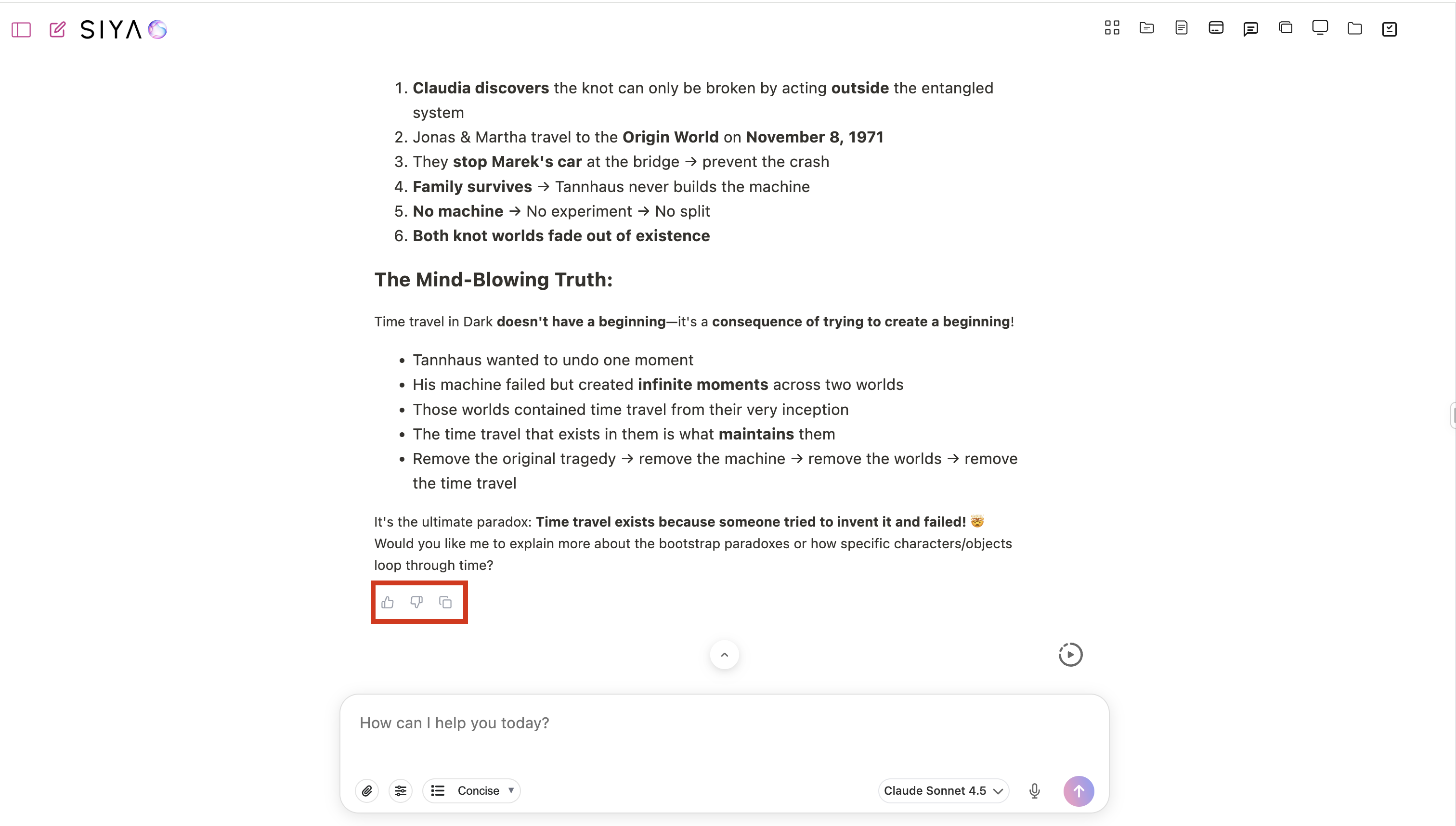
- Message Feedback System - Added thumbs up/down feedback UI with copy button functionality for easy message content sharing
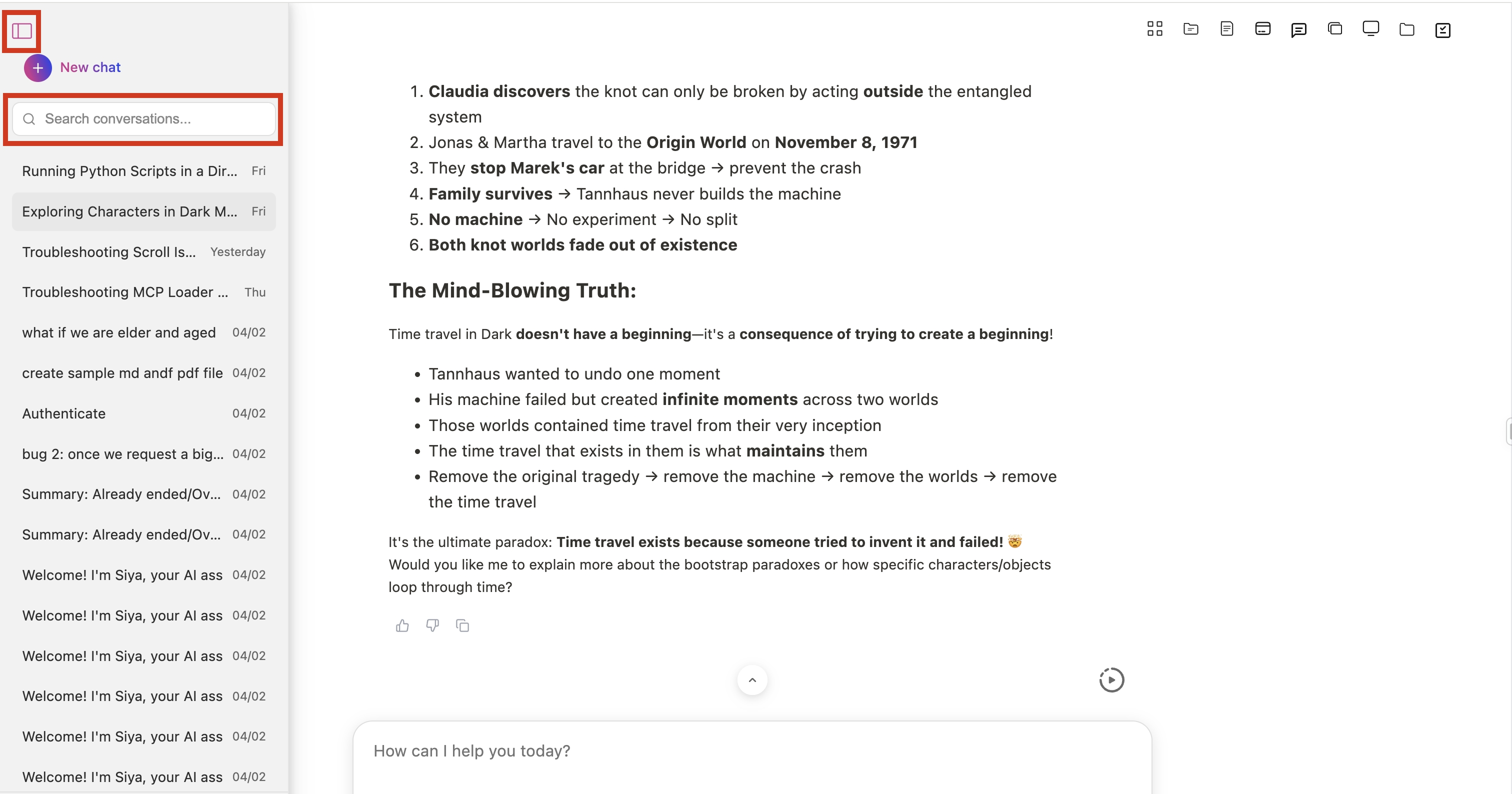
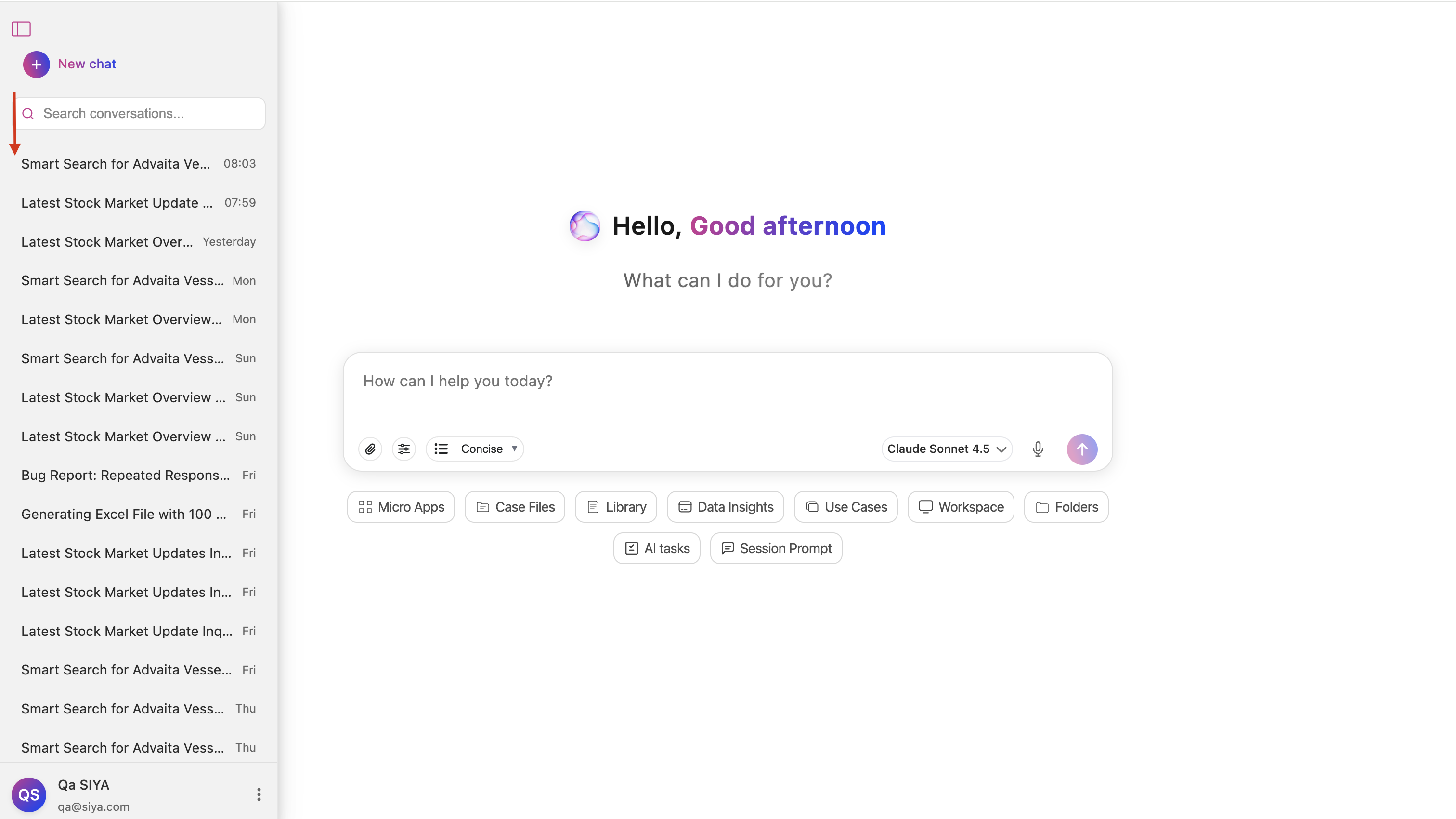
- Conversation Search - Introduced sidebar search feature for quick navigation through chat history
- Enhanced Chat Interface - Fixed streaming issues, prevented duplicate messages, and improved scroll behavior with auto-scroll functionality
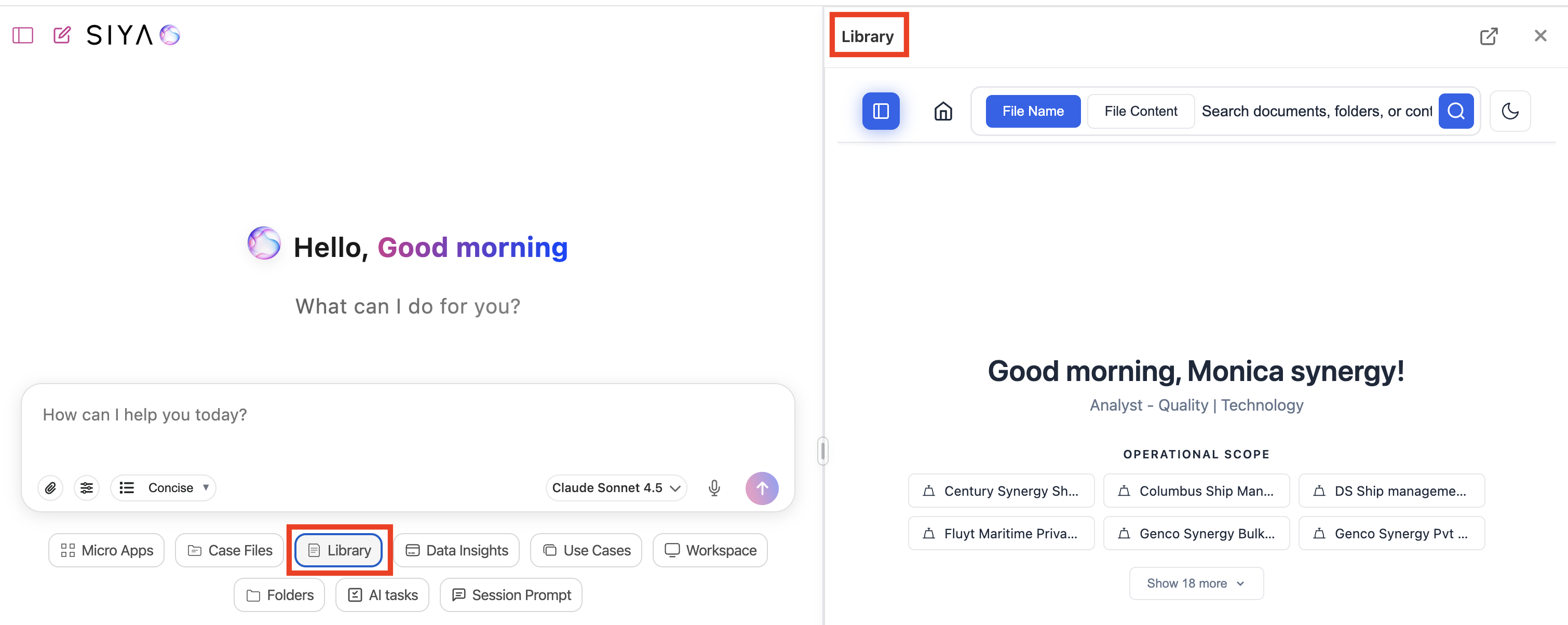
- Renamed “Document” to “Library” - Updated terminology across the application for better clarity and consistency
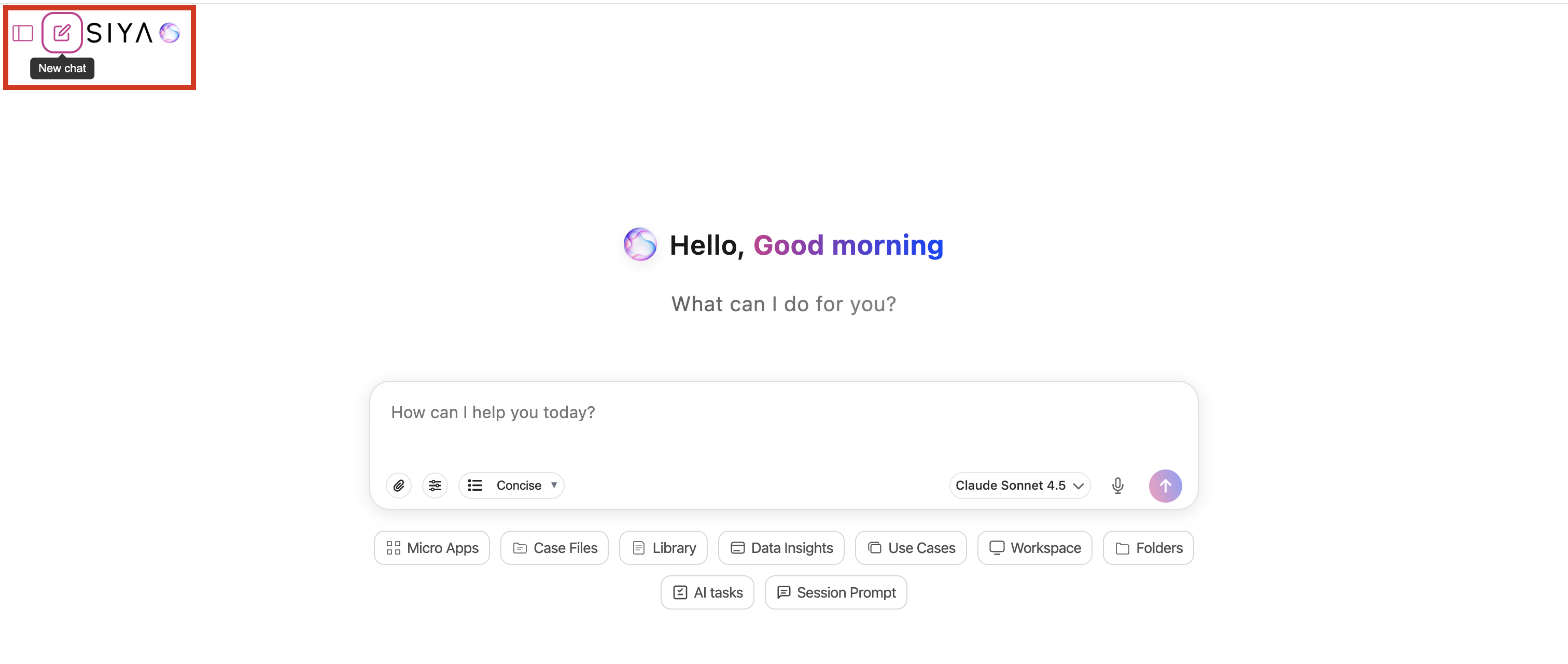
- Header New Chat Button - Added new chat button in header with accessible tooltips for improved navigation
- Responsive Design Improvements - Enhanced keyboard handling, safe area adjustments, and optimized UI for touch devices with disabled hover effects
- Enhanced Model & View Selectors - Updated selector styles with dynamic scaling and improved dropdown behavior
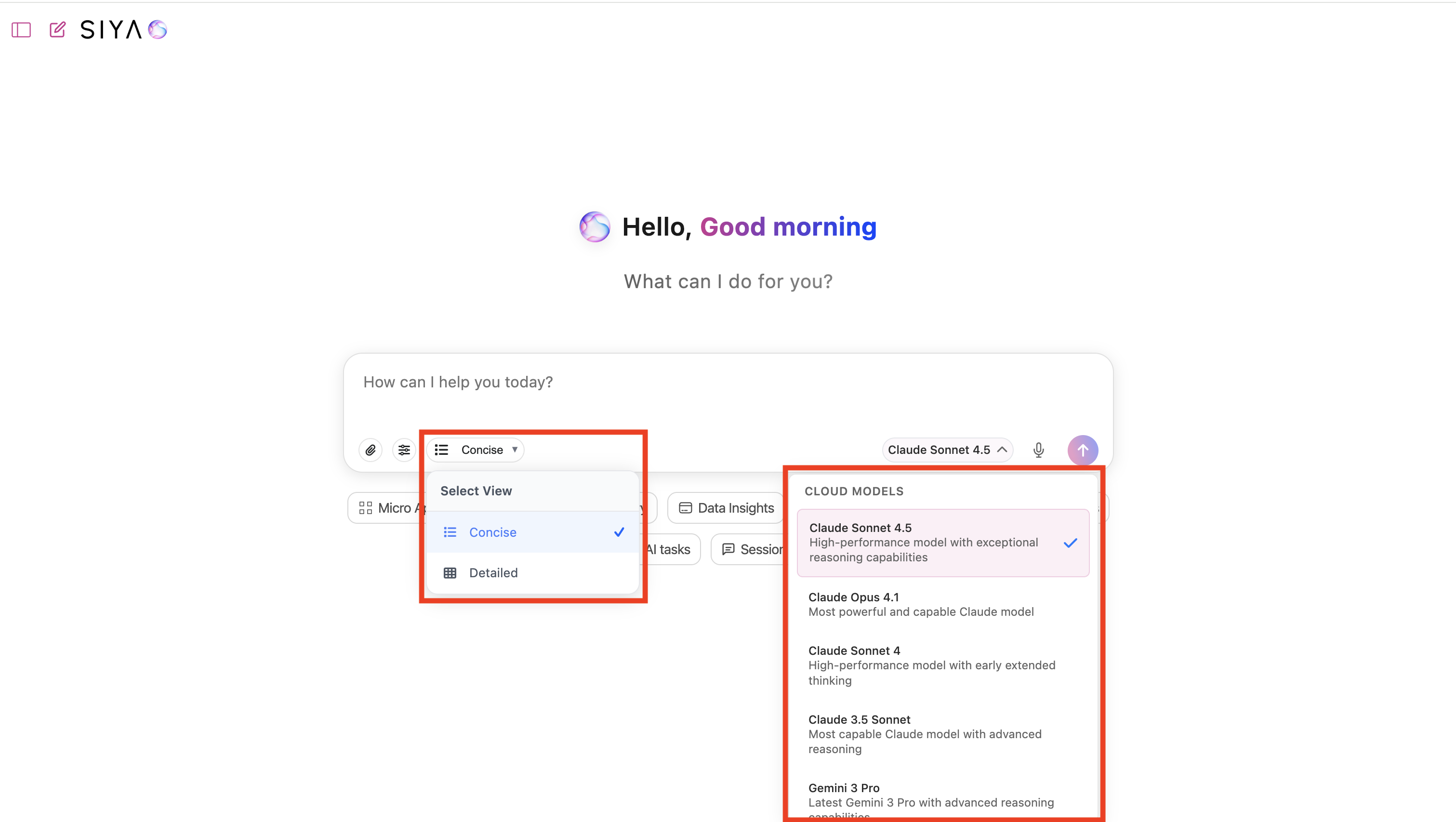
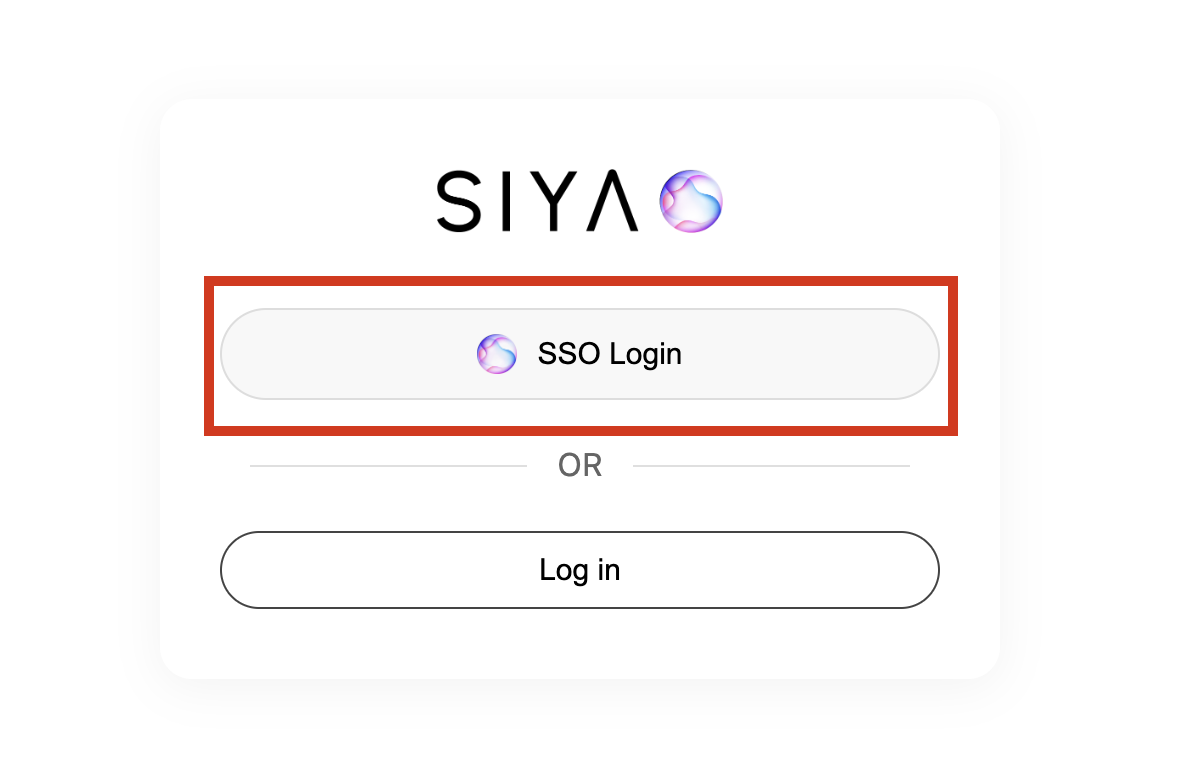
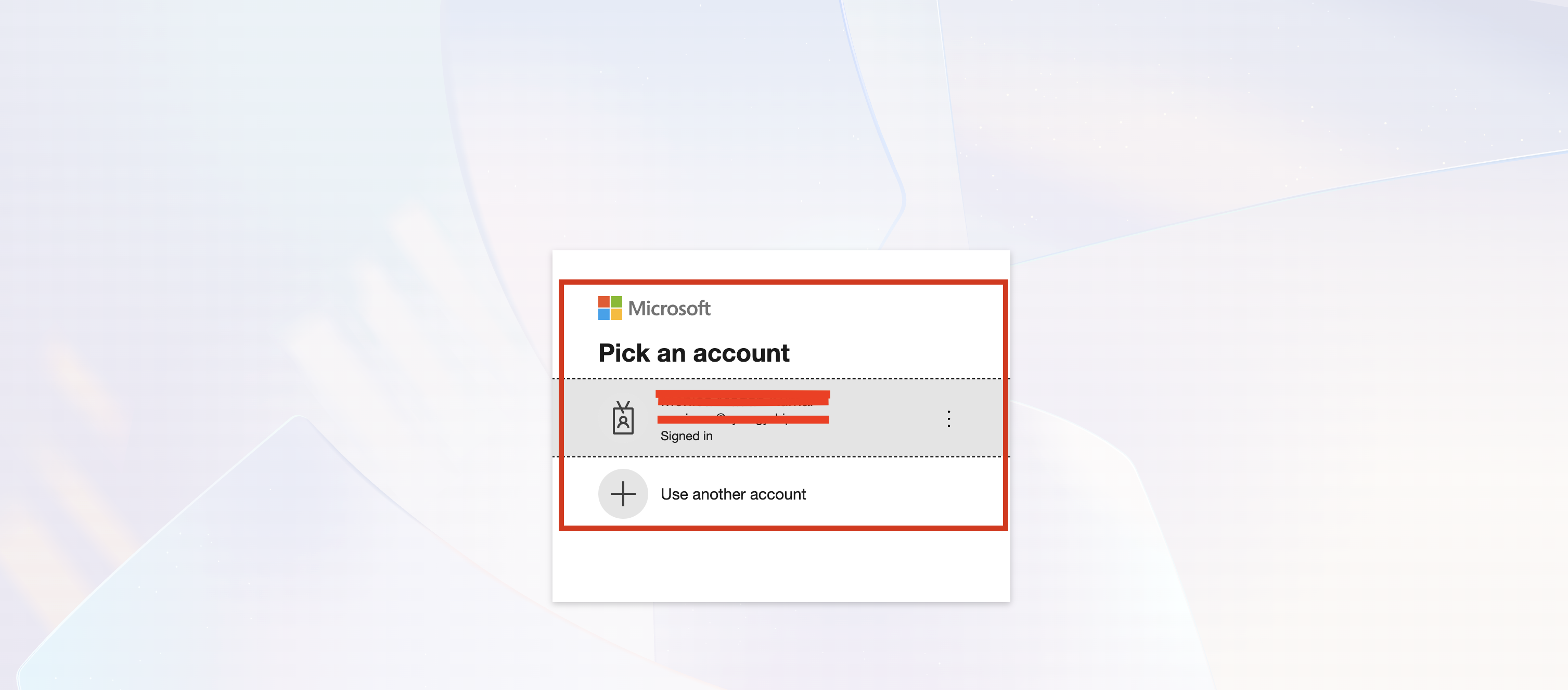
- Improved Authentication UI - Enhanced SSO login interface with better account selection prompts and OAuth redirect handling
- Accessibility Enhancements - Added keyboard support for tooltips, improved focus management, and better screen reader compatibility
- MCP Panel Improvements - Enhanced reactive connection updates and auto-close behavior after authentication
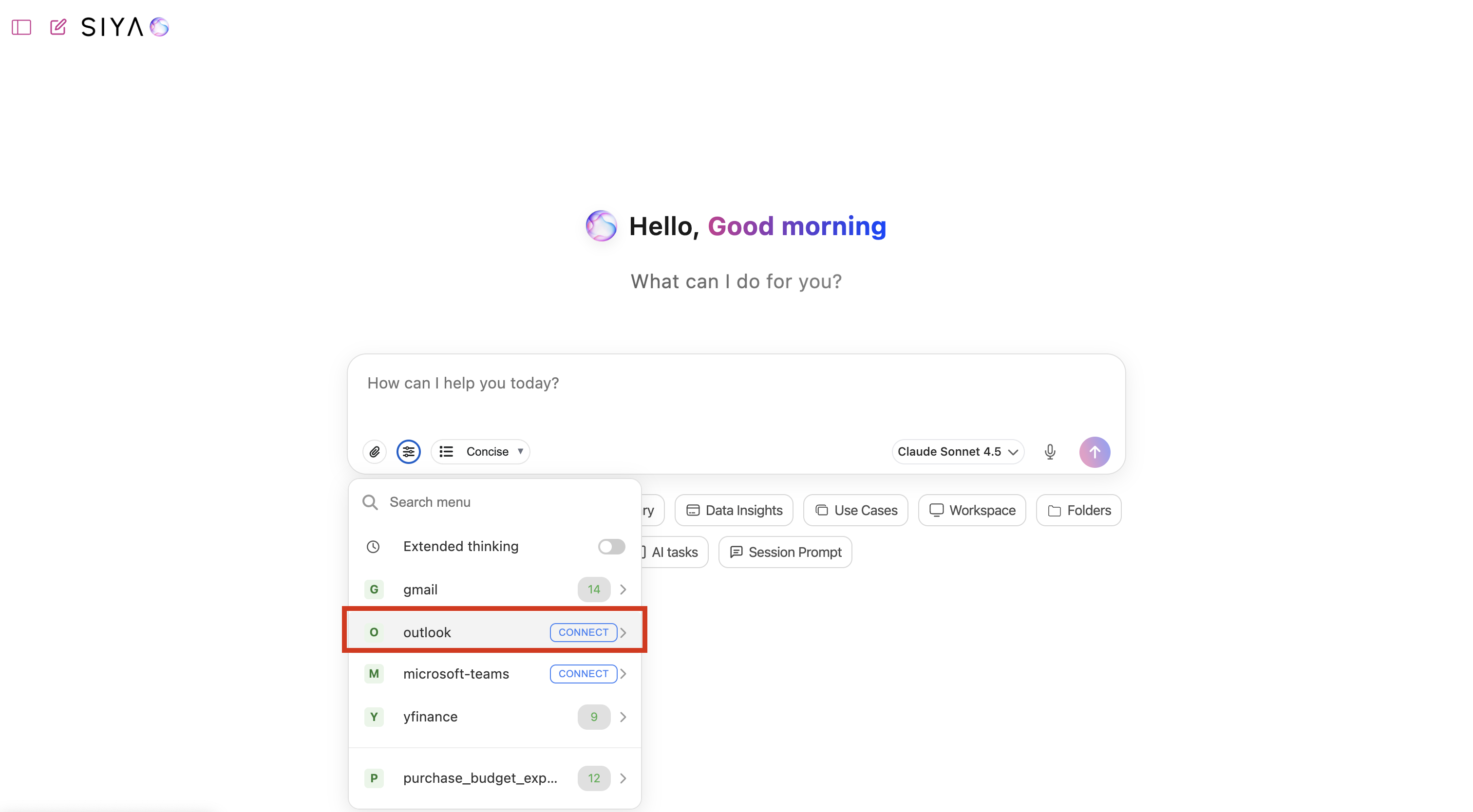
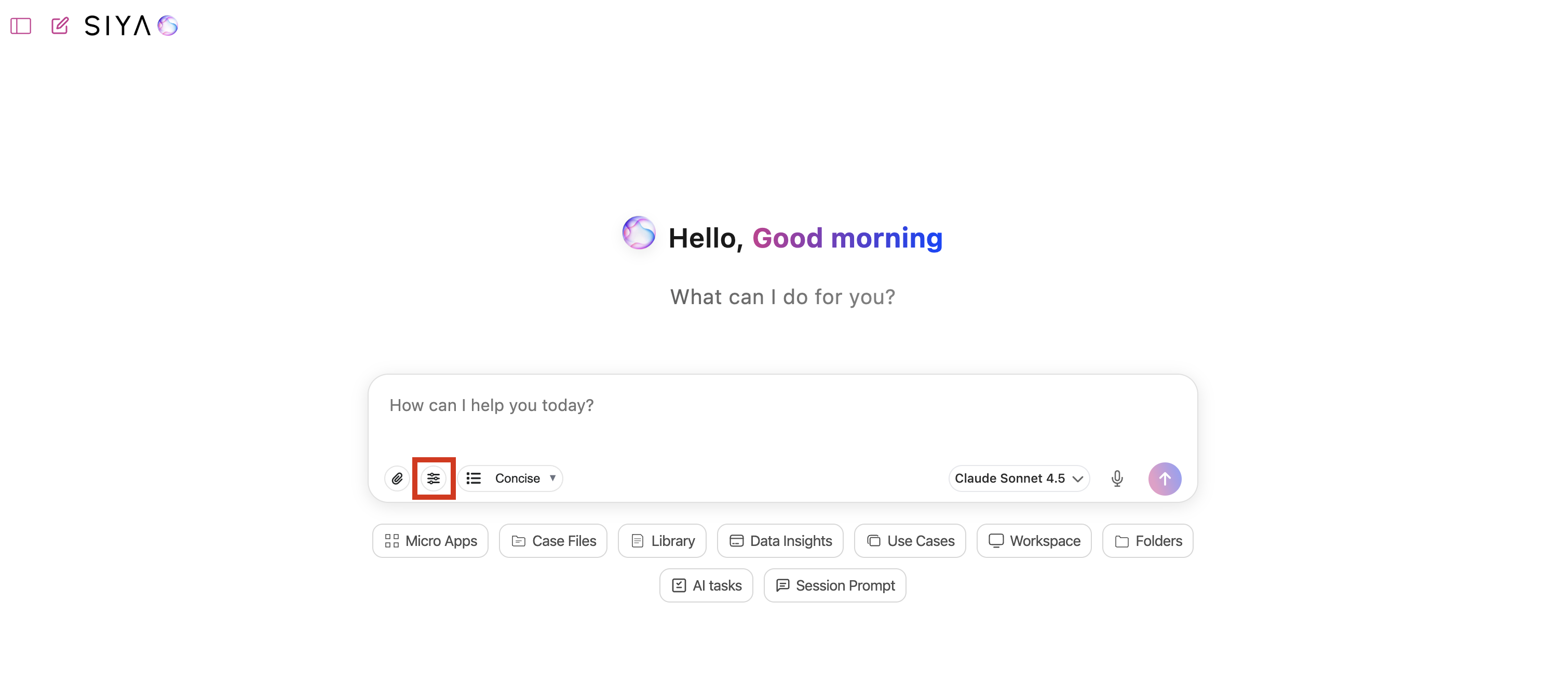
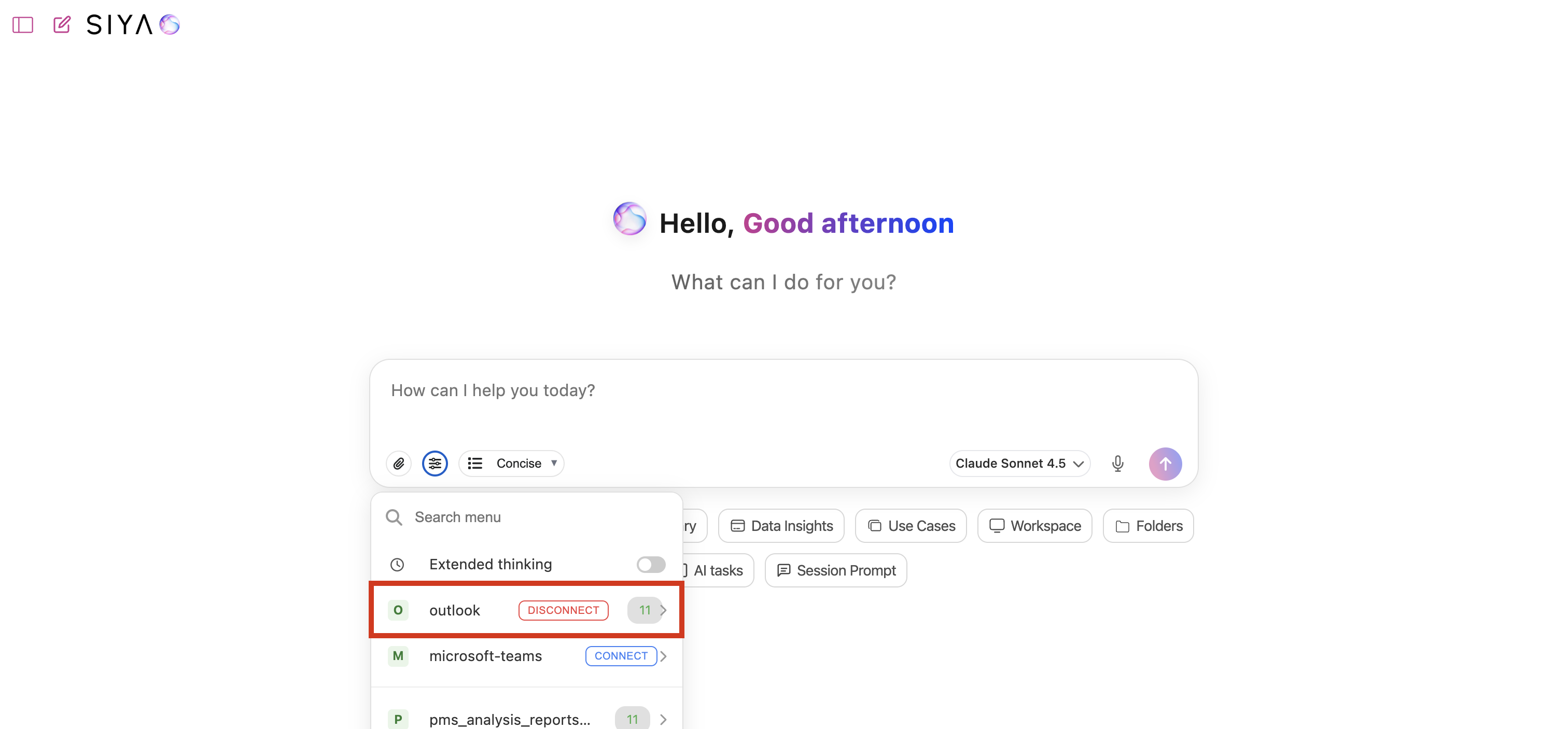
- Quick Actions Reorganization - Improved button accessibility and fixed flickering issues on Safari
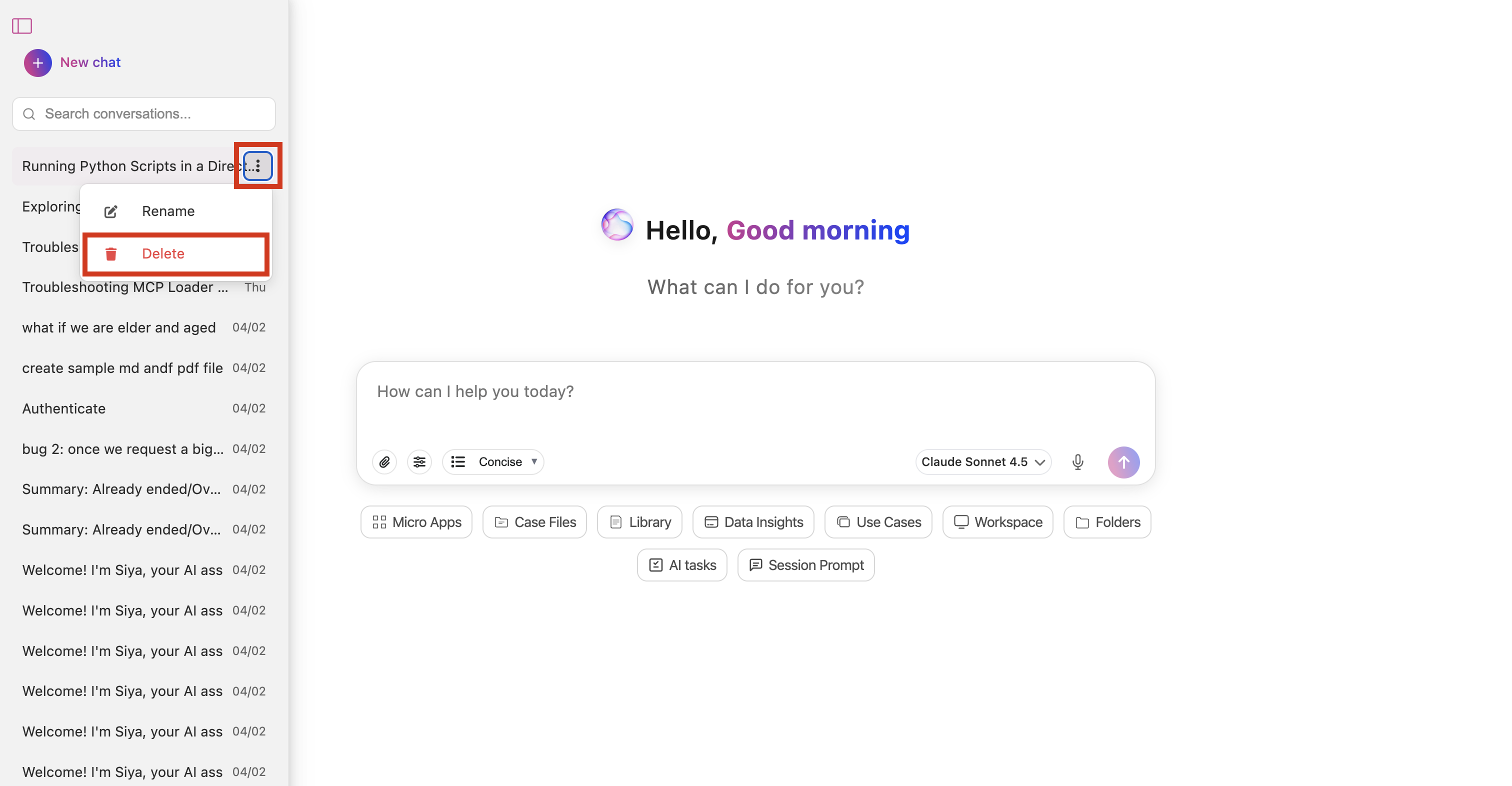
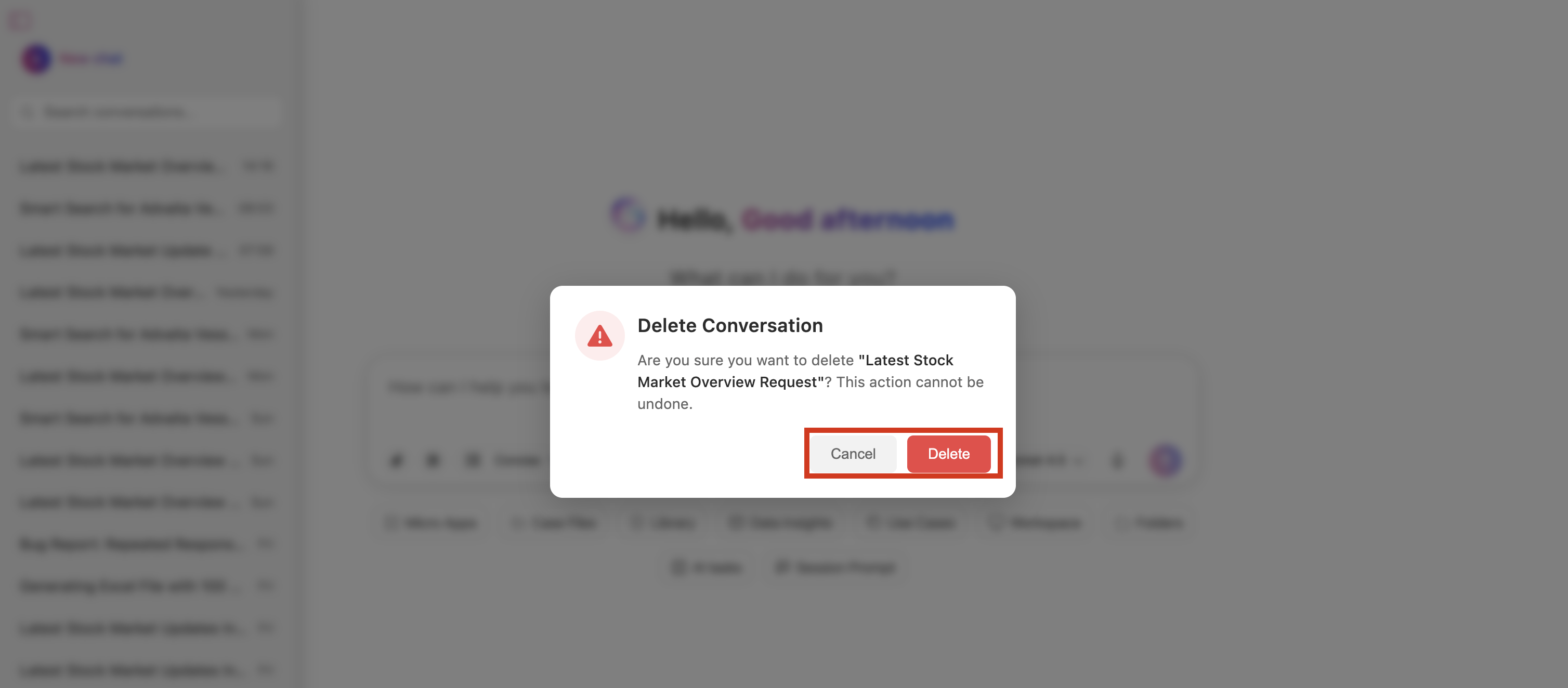
- Delete Modal & Sidebar UX - Enhanced conversation deletion experience with improved modal behavior and cleaner sidebar styling
Backend/API Enhancements
- MongoDB User Chat Tracking - Integrated MongoDB for chat tracking with messageId, type fields, and upsert logic for feedback
- Gemini & Mistral Model Integration - Added intelligent model switching (5 or fewer images triggers Gemini) and enhanced PDF processing capabilities (under 20 pages)
- Chat API Optimization - Implemented INSERT-before-UPDATE pattern, prevented duplicate streaming, and standardized session ID format
- Workspace Path Tracking - Added secure workspace management with path validation, folder URL parameters, and context API endpoints
- Enhanced Security - Implemented null-safe error handling, workspace path validation, and protection against custom PROMPT_FOLDER overwriting
- OAuth & SSO Improvements - Fixed OAuth login issues, enhanced Microsoft 365 token storage security, and improved multi-domain SSO configuration
- MCP Server Updates - Updated Teams, Outlook, Azure Search, company-docs-dms, and kr-con MCP server integrations to latest versions
- Performance Optimization - Enhanced database connection pooling, implemented intelligent caching, and optimized queries with proper indexing
- Read Image Tool - Added specialized image reading capabilities with prompt injection safeguards and intelligent tool response saving
- PROMPT_FOLDER Environment Variable - Added support for custom system prompts with automatic migration and validation
- File Management Improvements - Enhanced SheetJS loading, improved file type detection, and fixed library URL token handling
- Type Safety Enhancements - Addressed critical type safety issues and improved JSON parsing with comprehensive validation
- API Performance Enhancements - Reduced response times with chunked loading, optimized streaming, and added error recovery mechanisms
- Deployment Workflow Automation - Updated AWS roles, enhanced pod prefix configuration.
Bug Fixes
Critical Fixes- Fixed duplicate streaming messages issue
- Resolved SheetJS loading and URL file type detection problems
- Corrected cache_control exceeding 4-block limit in agents
- Fixed messageId requirement enforcement based on chat type
- Resolved TypeScript errors in ElevenLabs client modelId type
- Fixed null-safe access for error.stack property
- Fixed delete modal overflow issues
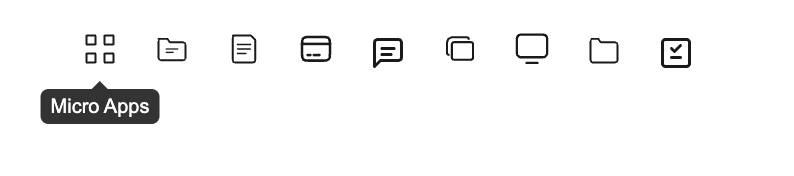
- Resolved tooltip visibility problems
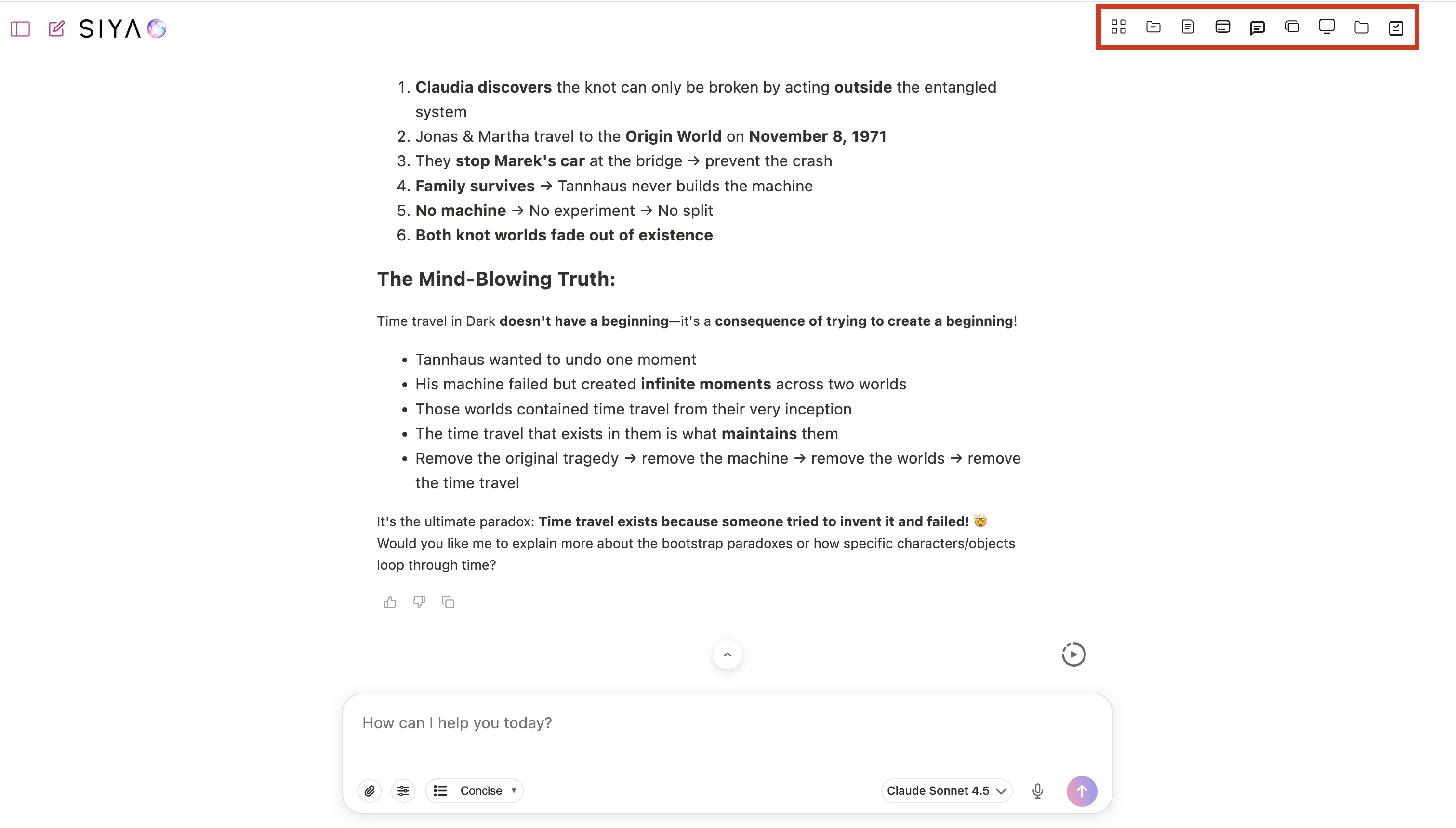
- Fixed header quick actions visibility
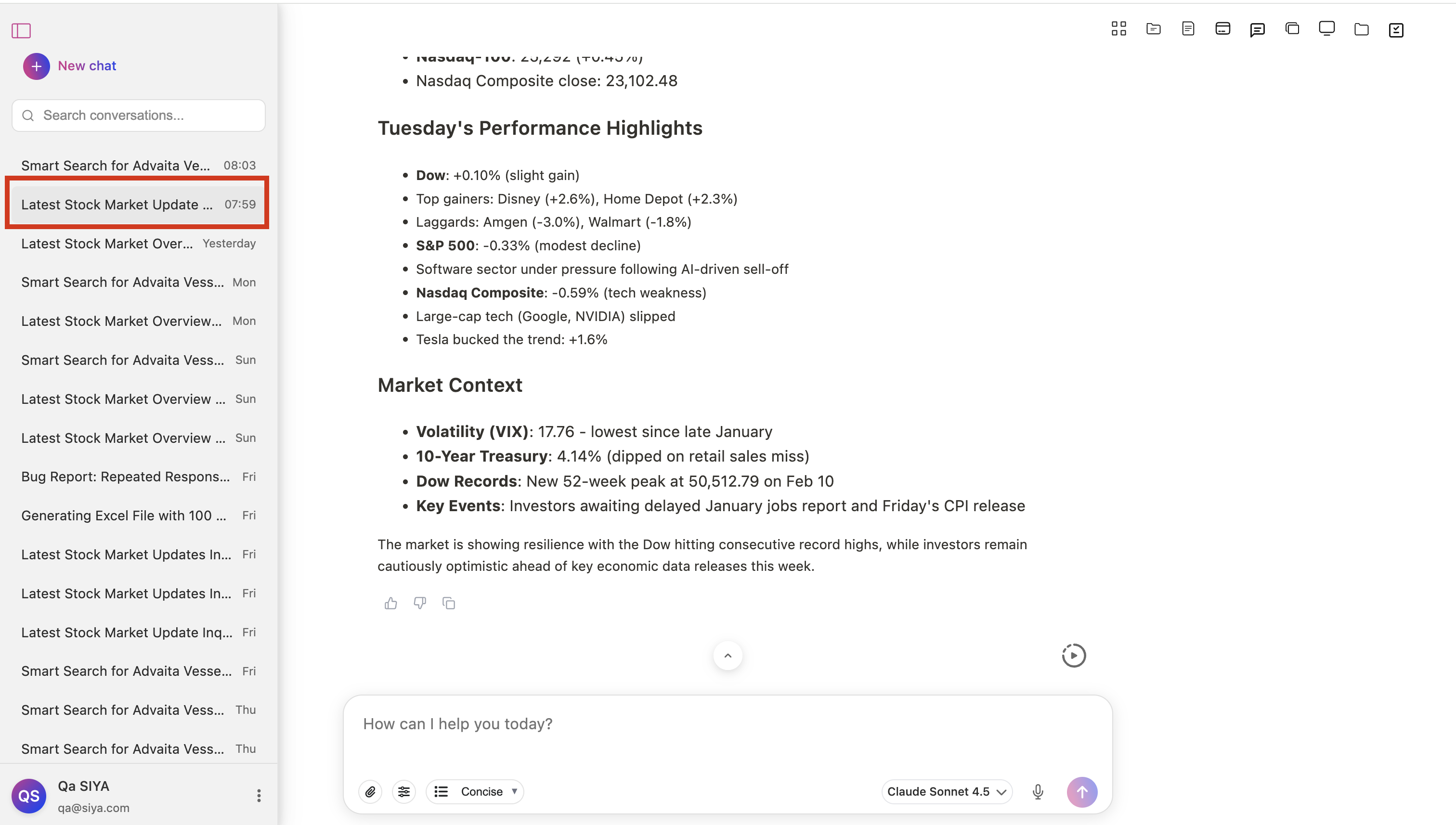
- Corrected sidebar highlight inconsistencies
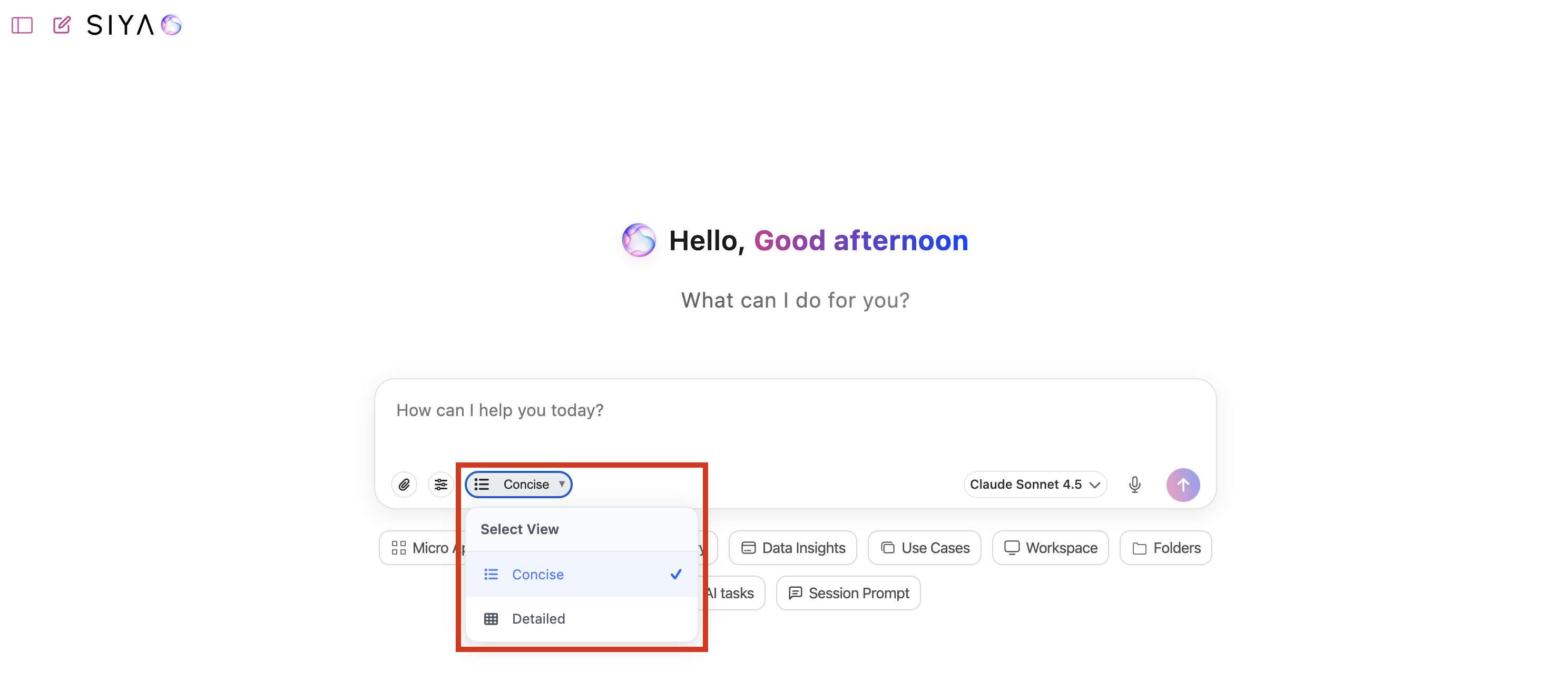
- Fixed view selector dropdown issues
- Resolved history sidebar icon display
Documentation & Code Quality
Documentation Updates- Added SQLite chat storage documentation
- Updated README to reflect proprietary status
- Reorganized project structure (docs to document/ folder, tests to tests/)
- Moved siya-system-prompt.md to project root
- Enhanced inline code documentation
- Refactored code for better maintainability
- Removed unnecessary CSS universal selectors
- Cleaned up unused dependencies
- Enhanced type safety and JSON parsing
- Improved code organization and modularity
- Addressed critical type safety issues
- Fixed medium-priority code quality issues
Technical Improvements
Security- Enhanced null-safe error handling across all API endpoints
- Implemented robust workspace path validation
- Added protection against prompt folder overwriting
- Improved domain-based access control
- Enhanced OAuth token security
- Added comprehensive input validation
- Optimized database connection pooling
- Implemented intelligent caching strategies
- Reduced message chunk size for better loading
- Enhanced frontend performance monitoring
- Improved asset loading and rendering
- Improved database indexing
- Implemented efficient message pagination
- Enhanced concurrent request handling
Breaking Changes None. This release is fully backward compatible with existing installations.
Upgrade Notes
- Review role-based access configurations for admin users
- Update MCP server packages to latest versions
- Verify MongoDB connection settings for user_chats tracking
- Clear browser cache to ensure latest UI updates are loaded
Known Issues None reported at this time.
What’s Next
- Enhanced AI model capabilities
- Additional performance optimizations
- Expanded analytics dashboard features
- More integration options
- Advanced security features
Support
For questions or issues related to this release, please contact your support team or refer to the project documentation.Release Date: January 31, 2026 Version: January 2026 Release